Quest 1 - Walkthrough Guide
Mint atBTC on NEAR
Step 1: Download and Install UniSat Wallet
Step 2: Connect to Bitcoin Testnet4 (Beta)
Step 3: Obtain tbTC from a Faucet
Step 4: Go to the Atlas Protocol Testnet Application
Step 5: Connect your UniSat wallet
Step 6: Initiate Staking
Step 7: Select Receiving Chain

Step 8: Set up a NEAR wallet (using Meteor)
✅ DO -> username.testnet
🚫 DON’T -> username.near
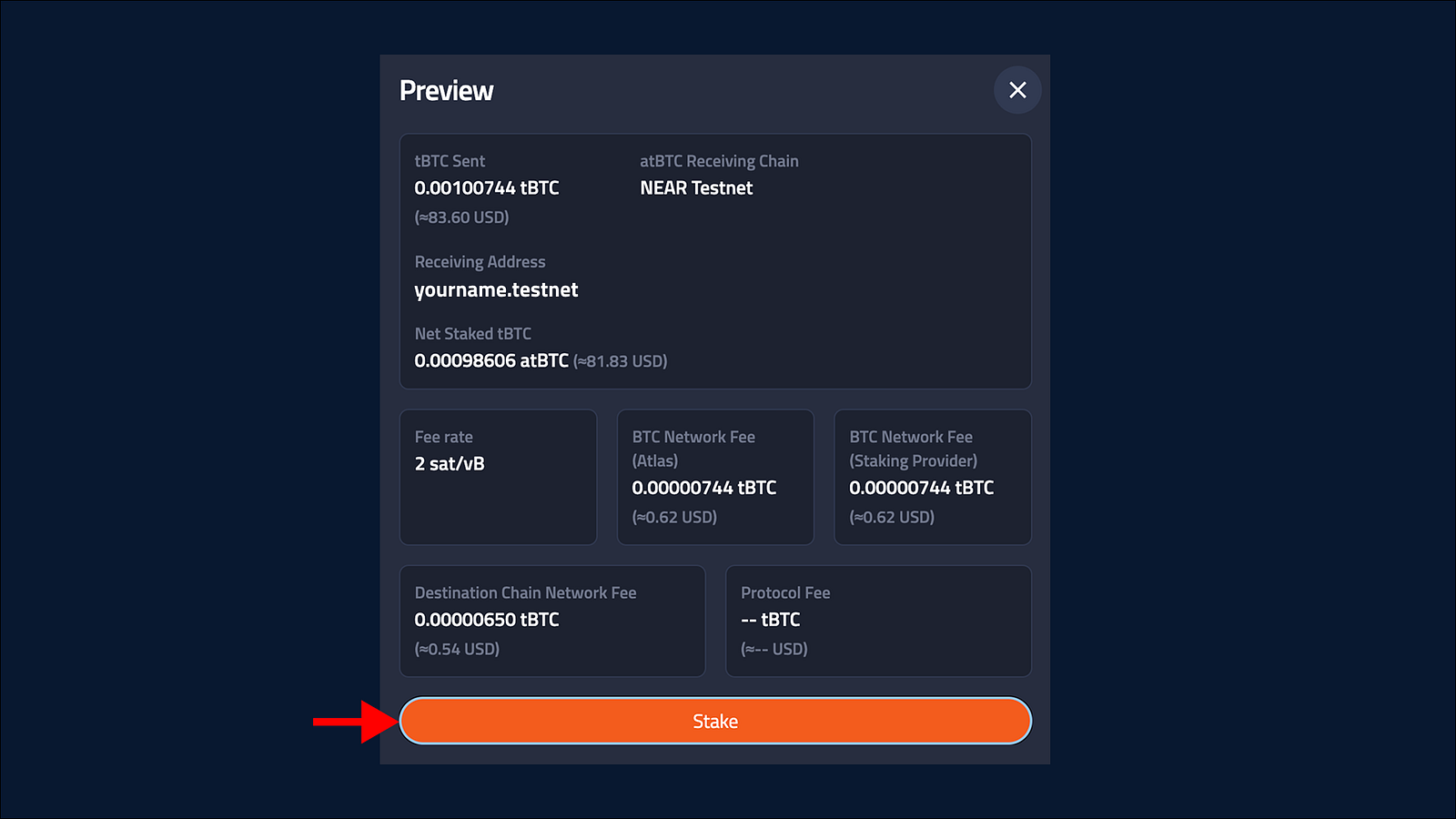
Step 9: Enter Receiving Address and Stake
Step 10: Verify your atBTC
Last updated